See It In Action
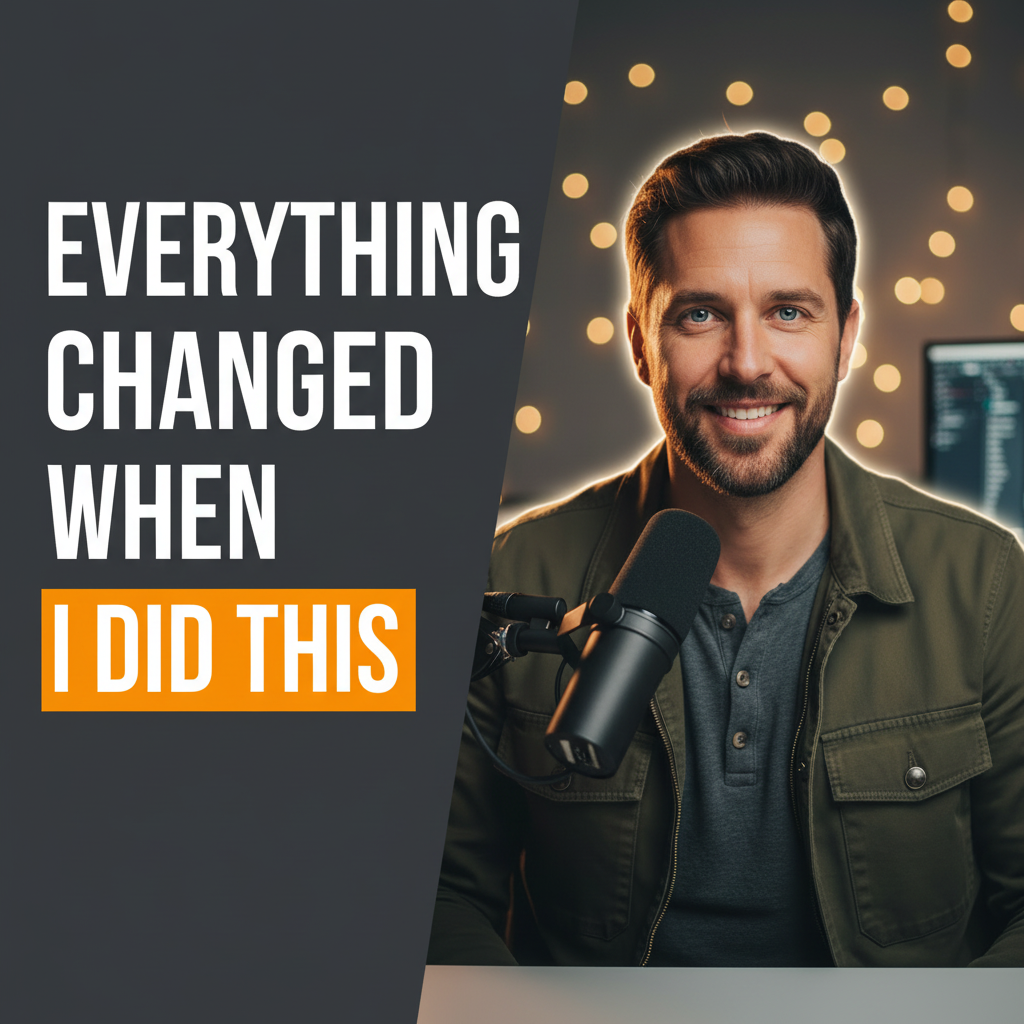
AI-generated YouTube thumbnail — Set A creator demo
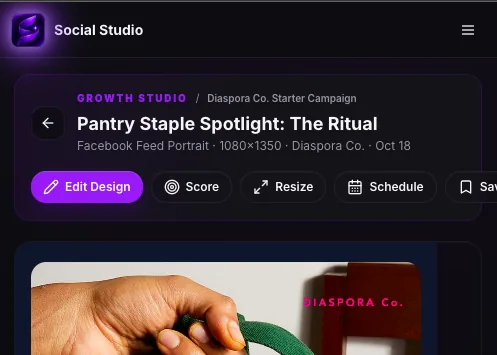
Open a design to refine it
Sound familiar?
Episode promotion starts from scratch every week
Guest assets, logos, and show branding live in different folders
One episode creates far fewer social assets than it could
The production team cannot easily see what is planned, approved, scheduled, or published
How Social Studio helps
Keep show identity, guest imagery, studio assets, and recurring visual rules organized
Build episode launch campaigns with distinct content roles and formats
Create episode covers, YouTube thumbnails, guest spotlights, quotes, takeaways, and promotional posts
Repurpose transcripts and show notes into multi-platform content plans
Track approvals, publishing cadence, and real performance from the same campaign
Best features for Podcasters & Studios
What you can create
Common content and campaign goals for Podcasters & Studios
Episode launch campaigns
Guest spotlights
YouTube thumbnails
Podcast cover art
Quote posts
Takeaway carousels
Studio offers
Show announcements
Recommended workflow
From brand context to finished creative
Connect the show or studio brand
Add the episode, guest, or offer context
Build the content plan
Generate and edit the campaign assets
Approve, publish, and learn
Frequently asked questions
More questions? Visit the full FAQ